
Chrome extension · MV3 · 27 KB
Log without leaving the tab.
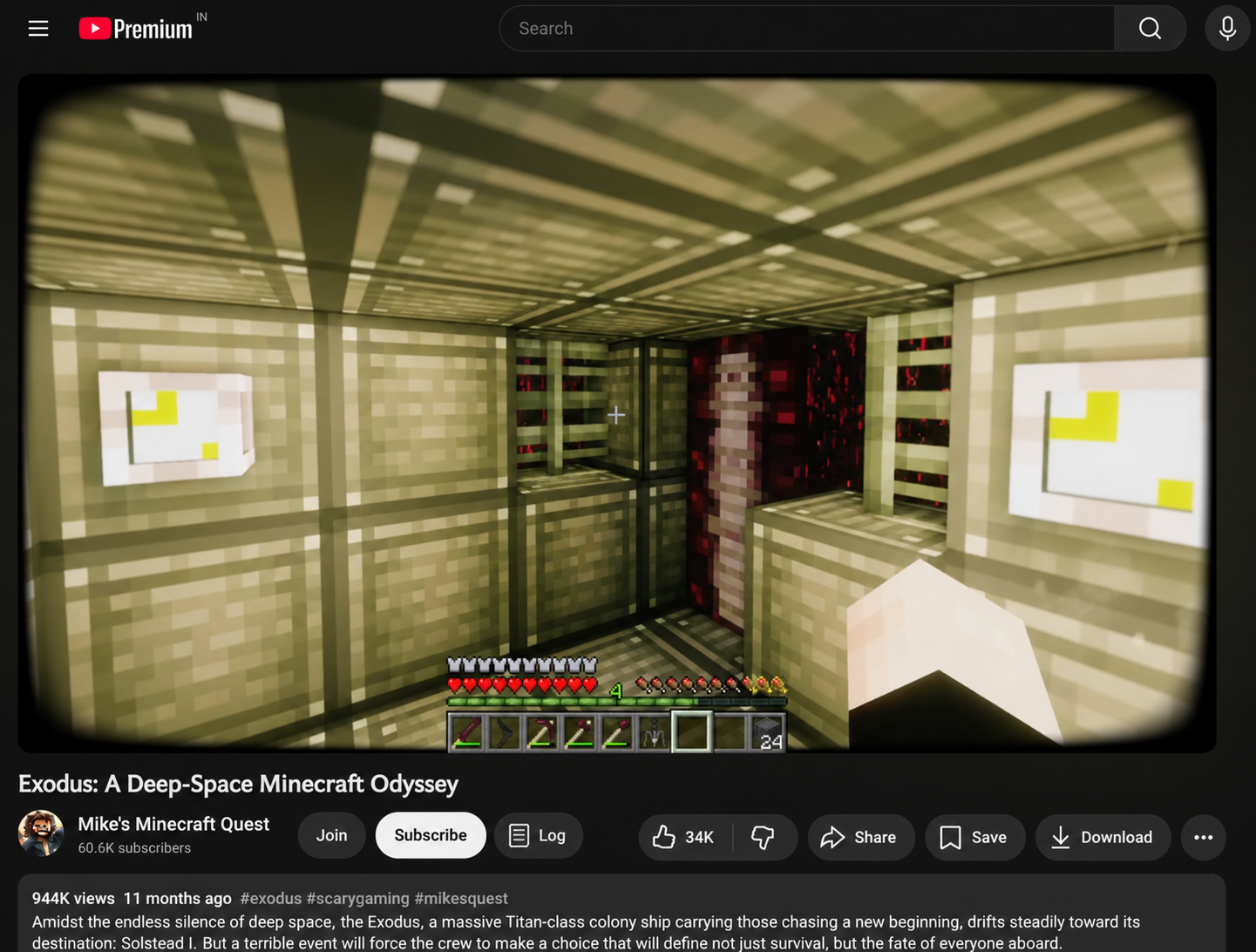
A Log button dropped right next to Subscribe on every YouTube watch page, and a compact rating-and-review popup behind the toolbar icon. Half-stars, reviews, your watchlist — everything you'd open Tubeboxd for, without context-switching.
- 01
Download the extension
A 27 KB
Download tubeboxd-extension.zip.zip. Same code that's in the repo underextension/.Then unzip it somewhere you'll remember (Desktop is fine).
- 02
Open Chrome's extensions page
Paste this in your address bar (Chrome blocks links to it for security):
Toggle Developer mode on, top-right.
- 03
Load the unzipped folder
Drag the unzipped
tubeboxd-extensionfolder onto the extensions page, or click Load unpacked and pick it. - 04
Connect it to your account
Sign in (or sign up) first — then one click links the extension to your account.
Why isn't this a one-click install?
Chrome removed inline installs in 2018, and as of 2019 it blocks extensions side-loaded outside the Web Store unless Developer mode is on. The only proper one-click path is publishing to the Chrome Web Store — that's a one-time review + $5 dev account fee. Until then, Load Unpacked from a downloaded .zip is the friendliest path we can ship. Same code, same security model.